



Reporting and Secure Behaviour Dashboard
See secure behaviour change, before and after.
Reports for your board, your line managers and your SOC, built from simulations, training and the security tools you already run.
Who it is for
A report for each reader
The same data, shaped for the people who act on it.
Security and risk teams1 of 4
Security and risk teams
The dashboard, channel results, summaries and your own tools.
Board and CISO
Risk, trend and your sector in one report, on a schedule.
Line managers
Their own team’s simulations and training.
Employees
Their own progress, points and badges.
The dashboard, channel results, summaries and your own tools.
Example data Screens from the Keepnet console. Names are fictional.
Security teams running Keepnet









Secure Behaviour Dashboard
Behaviour, measured before and after
Your trend, your sector and your target, side by side. From simulations, training and your security tools.
One number for behaviour1 of 7
One number for behaviour
Behaviour weight per employee, against fixed severity bands.
Targets and your sector
Reporting rate and susceptibility against your target and your industry.
Month by month
Who reported, who clicked and reported, who did neither.
Repeat clickers
Who clicked more than one simulation, against your sector.
By department
Risky behaviour by department, employee and host.
Signals from your tools
Events from Entra ID and other tools, as named behaviours.
How fast
Time from the simulation to the report, against your industry.
Behaviour weight per employee, against fixed severity bands.
Example data Widget names and layout are the console’s own.
Organisations therefore need to think more broadly about risky behaviour, visibility, and resilience across the full communication landscape rather than focusing on phishing alone.
 Ayo AdebayoHead of Cyber Security, SunExpress
Multi-channel phishing simulations
Email, SMS, call, QR and callback, side by side
The same stages for each channel: engaged, action, submitted and reported.
Example data
Advanced reports
Executive summaries in two clicks
Pick a summary, set the dates, and read it or export it.
By channel1 of 4
By channel
Email, SMS and voice phishing summaries, or all simulations together.
By training
Awareness Educator summary by enrolment and date.
By department
The departments with the most risky behaviour, campaign by campaign.
For partners
Summaries across client companies, and MSSP billing.
Email, SMS and voice phishing summaries, or all simulations together.
Example data
Employee feedback
Employees tell you what they think, and can stay anonymous
Feedback is built into reports, simulations and training, with an anonymised option.
With each report1 of 3
With each report
Employees report an email, SMS or call with a reason and a comment. Your team sees both.
After each simulation
A rating and a comment at the end of the learning page employees see after a click.
After training
A short survey at the end of the module: a rating, the skills to develop next, and a comment.
Employees report an email, SMS or call with a reason and a comment. Your team sees both.
Example data
Gamification report
Who leads, by department and date range
Rank, performance, points and badges for each employee, and the record behind each one.


Example data Names are fictional.
API, Power BI and SIEM
Your reports, in the tools you already use
Each team or report gets its own credential, revocable on its own.
REST API1 of 4
REST API
44 Reports & Analytics endpoints. Client credentials in, a one-hour token out.
Power BI
Your own Power BI workspace over DirectQuery, one credential per team or report.
SIEM
Events to Splunk or Syslog.
AI assistants
Assistants read the API reference through MCP and make the calls for you.
44 Reports & Analytics endpoints. Client credentials in, a one-hour token out.
Example data Keys and addresses are placeholders. Open the API reference or see all integrations.
Executive reports
A board report you build once and schedule
Pick the widgets and the date range, then preview it as a PDF.


Example data Names are fictional.
Agentic AI Reporting Agent
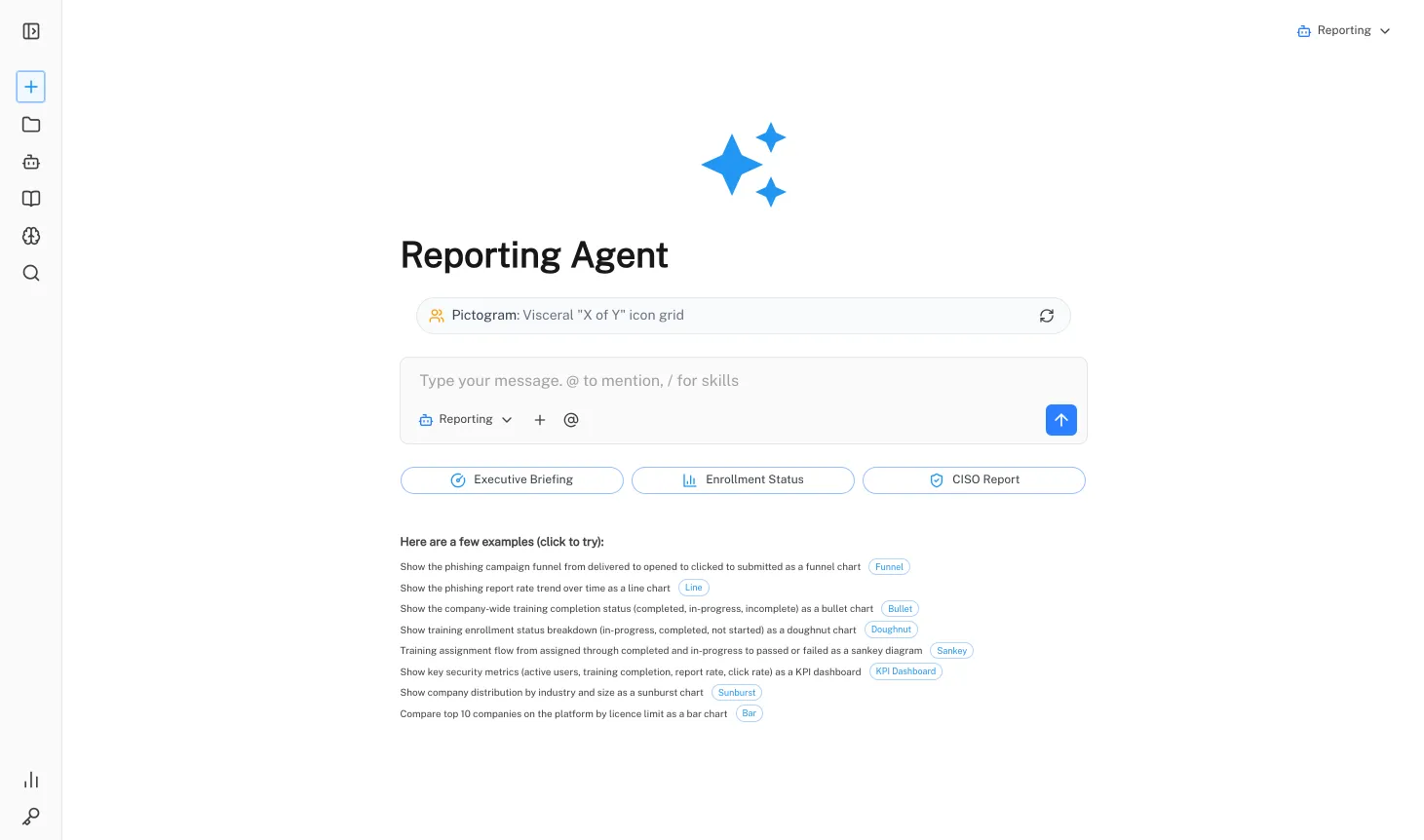
Ask for the report, approve the plan, export the PDF
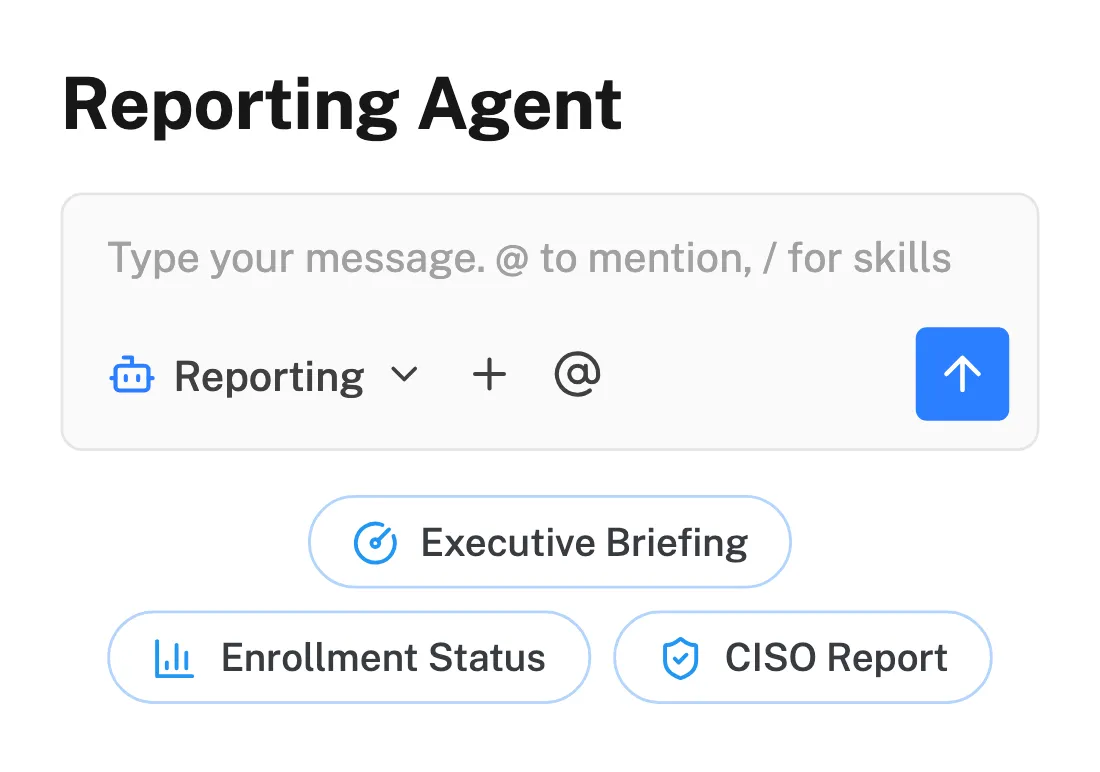
The Reporting Agent builds a report or a chart from your platform data, in plain language.
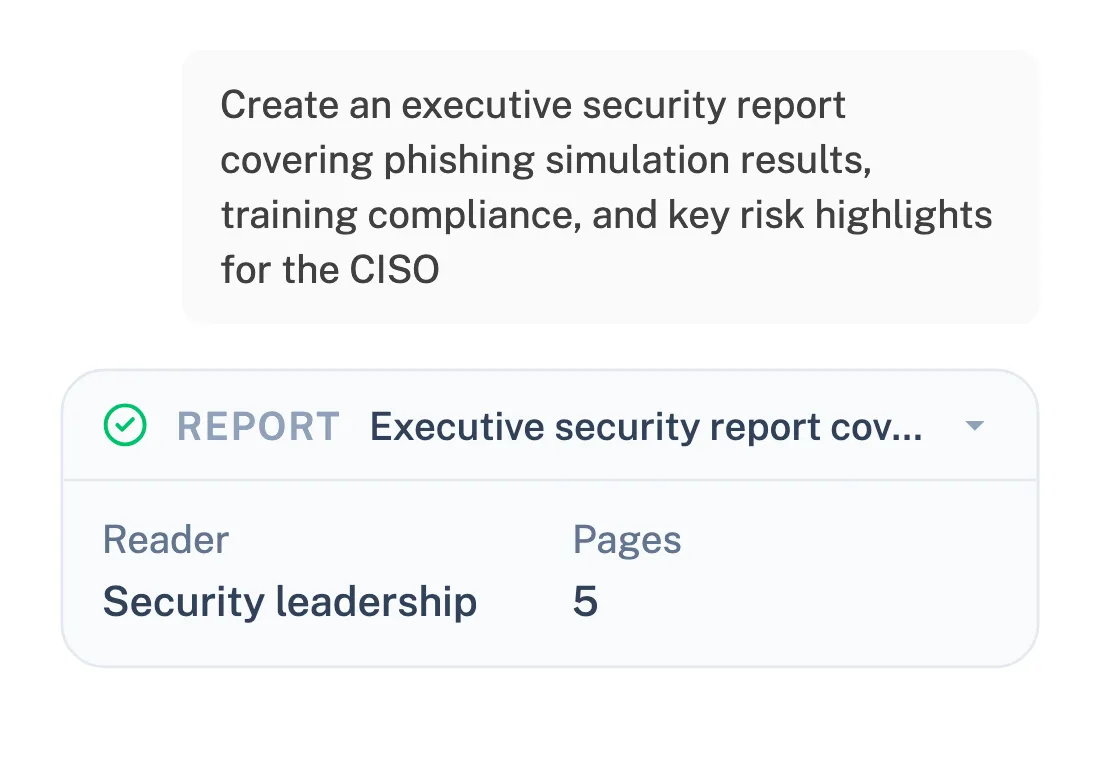
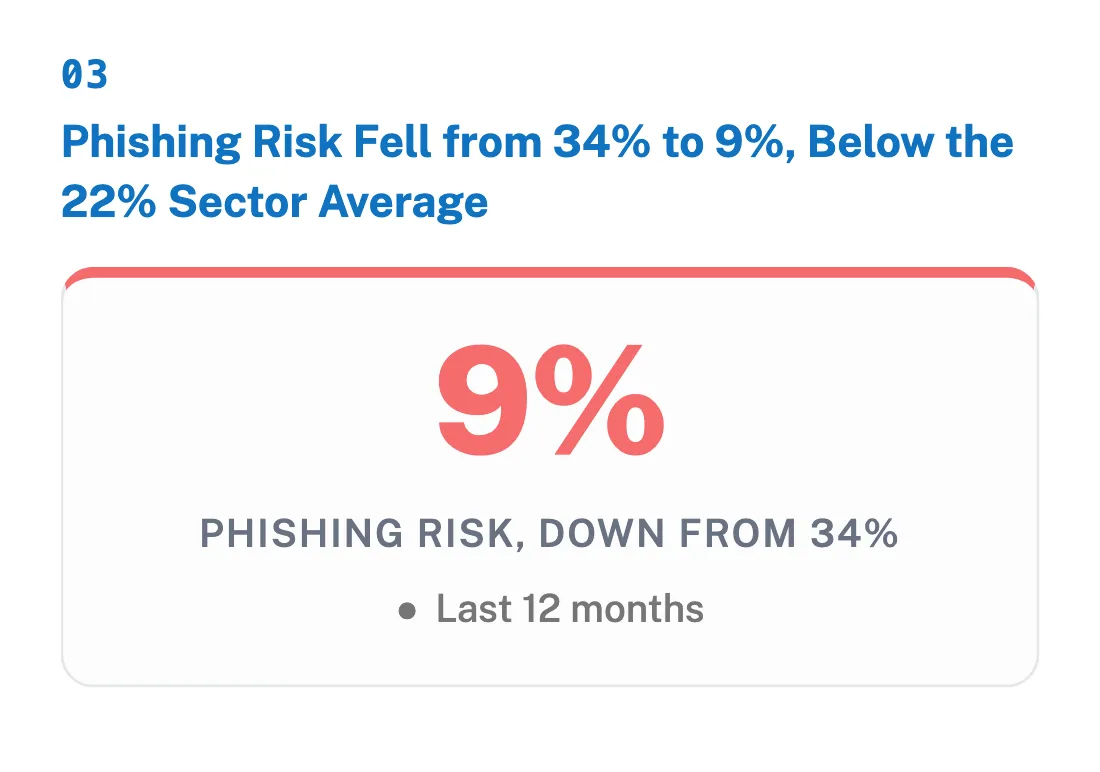
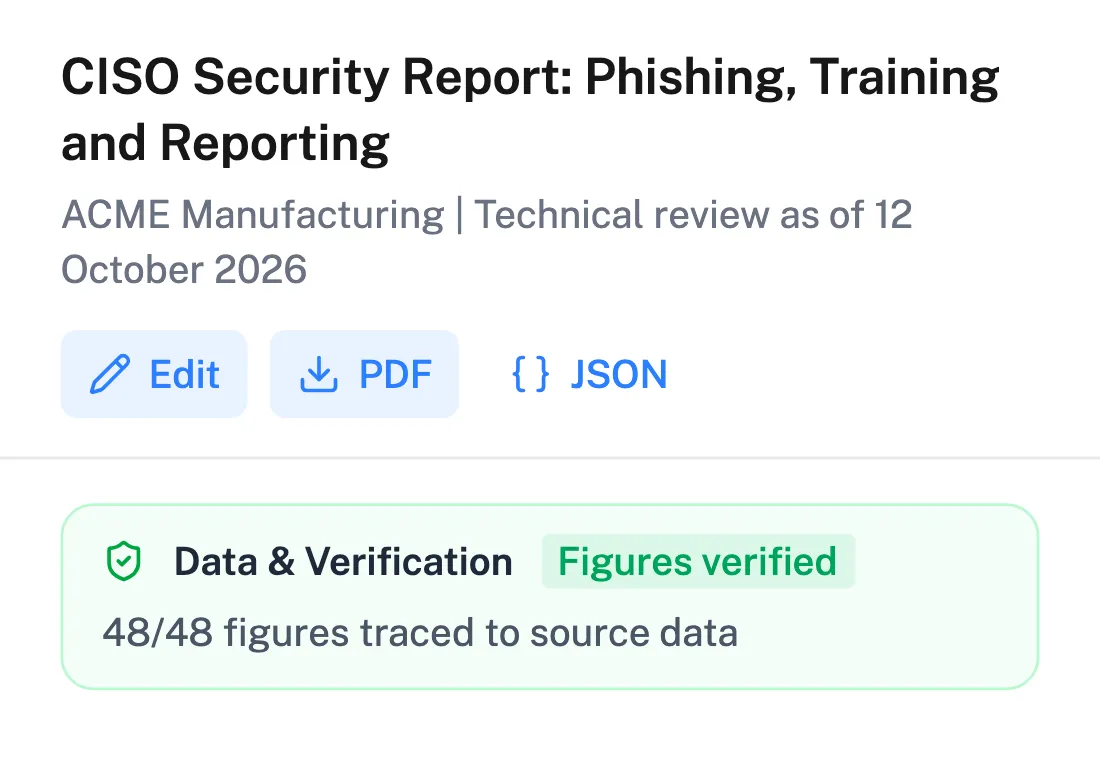
Example data The Reporting Agent is part of Agentic AI. Bring your own key (BYOK), and see the usage and cost of each request.
★★★★★
"It would be unfair to single out just one feature. The mail scenarios and customisable training modules are particularly excellent."
Gartner Peer Insights™Read review
★★★★★
"It's a really great platform with a lot of flexibility to ensure our requirements are met. Onboarding was friendly, enjoyable, and thorough."
Gartner Peer Insights™Read review
★★★★★
"It's super easy and intuitive to setup campaigns, whilst making it easier for end-users to report phishing emails."
Gartner Peer Insights™Read review
★★★★★
"The product itself works great on day one and delivers immediate value as our team was able to get started with our phishing exercise program immediately."
Gartner Peer Insights™Read review
★★★★★
"It has been consistent, reliable, and implementations over time shows that they really listen customer feedback."
Gartner Peer Insights™Read review
★★★★★
"We've seen a noticeable improvement in how employees react to suspicious emails or phone calls- because they remember the stories."
Gartner Peer Insights™Read review
★★★★★
"Within minutes, we can create realistic, scenario-based templates specific to our organization, reducing setup time while increasing the relevance of training."
Gartner Peer Insights™Read review
★★★★★
"The simulations and campaigns are very customisable and realistic."
Gartner Peer Insights™Read review
★★★★★
"Thanks to Keepnet's Incident Response tool, we reduced the e-mail analysis and response time, which used to take hours, to 2 minutes."
Gartner Peer Insights™Read review
Gartner's notice on these reviews is at the foot of the page.
Keepnet Labs has a rating of 4.9 out of 5 based on 104 ratings in the Security Awareness Computer-Based Training market on Gartner Peer Insights as of October 2026. Gartner and Peer Insights™ are trademarks of Gartner, Inc. and/or its affiliates. All rights reserved. Gartner Peer Insights content consists of the opinions of individual end users based on their own experiences, and should not be construed as statements of fact, nor do they represent the views of Gartner or its affiliates. Gartner does not endorse any vendor, product or service depicted in this content nor makes any warranties, expressed or implied, with respect to this content, about its accuracy or completeness, including any warranties of merchantability or fitness for a particular purpose.
Manager reports
Each line manager gets their own team
Pick the managers once. Each gets their team’s simulation or training activity in Excel, on a schedule.
Example data Names are fictional. Manager details come from your directory through SCIM.
Scheduled reports
The board pack and the manager report arrive on their own
Set the report, the schedule and the recipients once.
1Schedule it onceOne time to quarterly, in each recipient's time zone.

2It arrives on its ownThe board gets a PDF. Each manager gets their team in Excel.
3Ready to readThe report you built, for the period it covers.
Example data
Security Growth Dashboard
Employees see their own progress
Points for reporting and training, badges and a leaderboard.
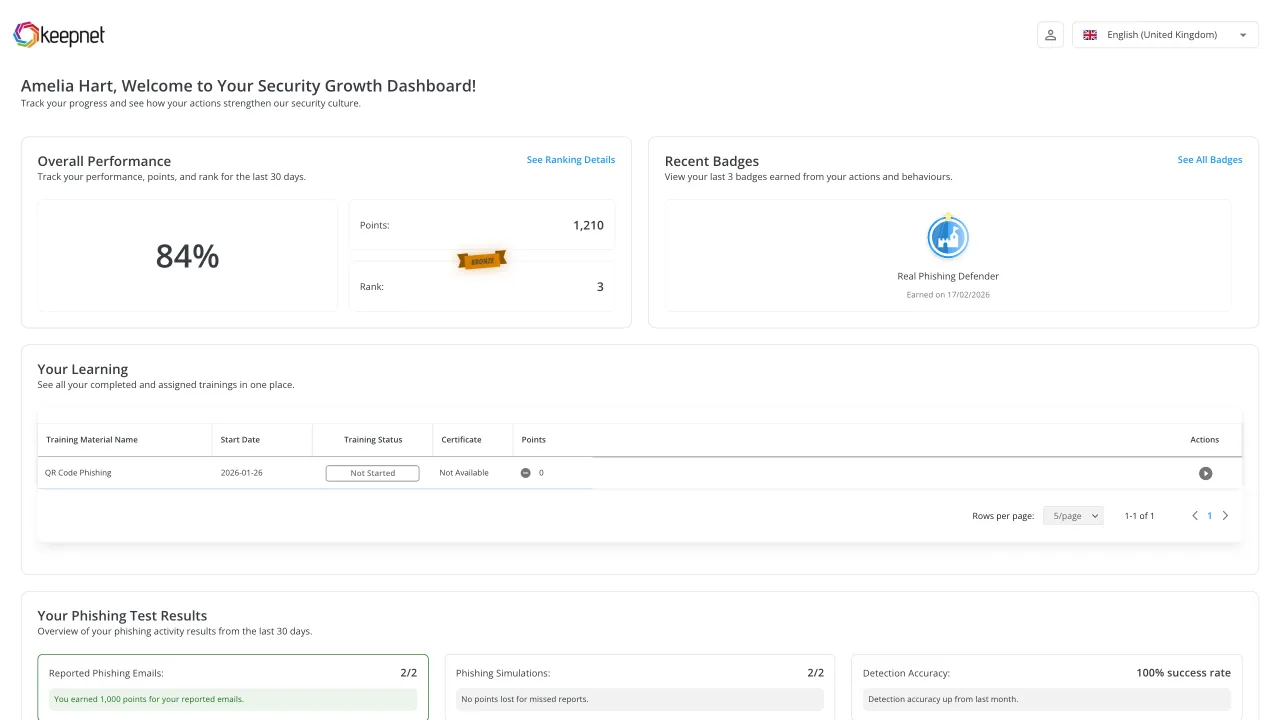
Example data Names are fictional.
What’s new in reporting
Recent additions
From the 2026 release notes.
- White Labeling on the Security Growth Employee Dashboard, mobile sign-in pages, and the Exam Status column in the Training Report.
- Text messages without a link in Smishing Simulator, and sender phone numbers selected by country in SMS Settings.
- Training reports gained an employee status column, with filters and export.
- Agentic AI reports follow the platform palette and keep chart text in PDF export.
Reporting pricing
Reports come with the products you buy
The Secure Behaviour Dashboard is added on to your plan.
Questions
What buyers ask about reporting
Short answers, with the detail below each one.
By measuring behaviour before and after, not just completion. Keepnet tracks reporting rate, phishing susceptibility, repeat clickers and time to report for each employee, department and channel.
Each reading sits beside your own target and the industry average for the same period.
It depends on your industry and how long your programme has run, so compare like with like.
The Secure Behaviour Dashboard shows your reporting rate beside the average of Keepnet customers in your industry, and against the target you set.
With an executive report: risk over time against the industry average, reporting rate, the departments to prioritise and training completion.
Build it once, then schedule it as a PDF to the board, or ask the Reporting Agent for a CISO report in plain language.
The ones that show behaviour: reporting rate, phishing susceptibility, repeat clickers and time to report. Completion and click rate alone describe activity, not change.
It measures risky and positive behaviours per employee, from Keepnet simulations and training and from the security tools you connect.
Readings include reporting rate, miss rate, phishing susceptibility, median time to report, repeat clickers, simulation coverage and training completion, by department and by channel.
From Keepnet customers in the same industry, over the same period as your reading.
Yes. Executive reports can be scheduled one time, weekly, every two weeks, monthly or quarterly, to email addresses and target groups.
Line managers can receive their own team’s simulation or training activity in Excel, on a schedule.
Yes. The Reporting Agent in Agentic AI builds a report or a chart from your platform data, from a request in plain language.
It shows you a report plan first and runs only after you approve it. Reports export as PDF or JSON.
Yes. Report data is available through the Keepnet REST API, and Power BI connects with DirectQuery, with a separate credential per team or report.
Events can also go to Splunk or Syslog.
Yes. Feedback is built into reports, simulations and training, and can be collected anonymously.
A reported email carries the employee’s reason and comment, and comments from the page shown after a simulation click appear in the campaign report.
Yes. Microsoft Defender, Entra ID Protection, Microsoft Sentinel, Google SecOps, Mimecast and Zscaler signals become named behaviours on the same record.
The behaviour catalogue holds 259 behaviours mapped to 11 frameworks, including NIST CSF 2.0, CIS Controls v8.1 and MITRE ATT&CK.
No. Campaigns and enrolments marked as test stay out of the dashboard, the executive and advanced reports, and the gamification scores.
For as long as your subscription is active.
Their own Security Growth Dashboard: performance, points, rank, badges, training and simulation results, and the leaderboard.
They do not see other employees’ detailed results. They sign in with SSO or an email link.
Executive reports as PDF, advanced reports as Excel, and the leaderboard as CSV, Excel or PDF.
Reporting Agent reports export as PDF or JSON, and everything is available through the REST API.
Book a demo
See Keepnet with your organisation in mind
- See the Secure Behaviour Dashboard on example dataBefore and after, by department and by channel.
- Build a board report and schedule itWith the widgets your board asks about.
- Ask the Reporting Agent for a CISO reportApprove the plan, then export the PDF.
- Connect your own toolsIf it fits, a proof of value follows, on your timeline.

Who you will actually meet
Tom, Matt, Ellie and Shonna
Across UK and US time zones
Book a demo
Thirty minutes, no cost and no obligation.
Thank you, your request is in
A confirmation is on its way to your inbox.
Pick a time now
Thirty minutes with the Keepnet team, on Microsoft Teams. Your details are already filled in.
Prefer to pick a time later? The team will follow up within one working day.
Your demo is booked
A calendar invite is on its way to your inbox, with a Microsoft Teams link.
The booking calendar will not open in this page.
Open the calendar in a new tab